




Ganjah12
Members
-
Joined
-
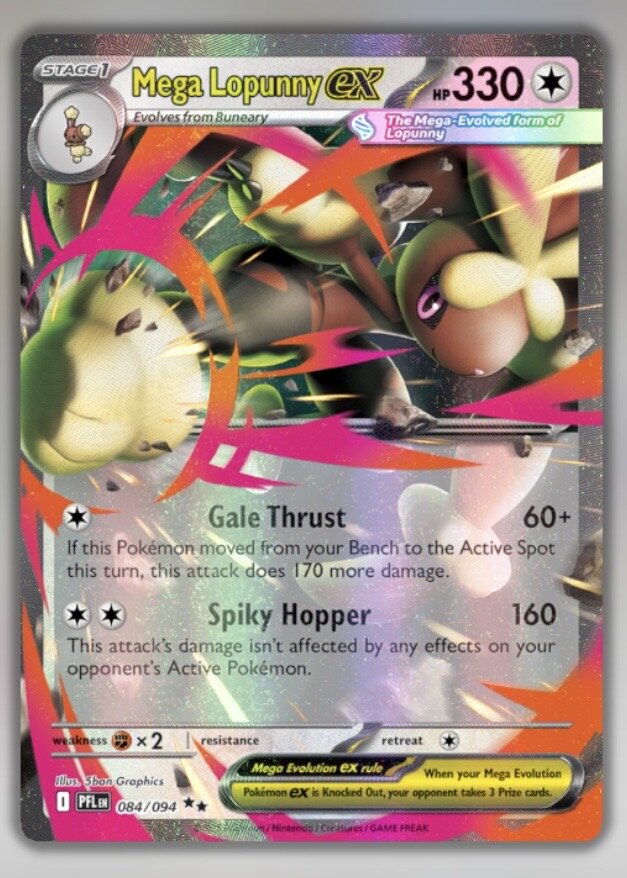
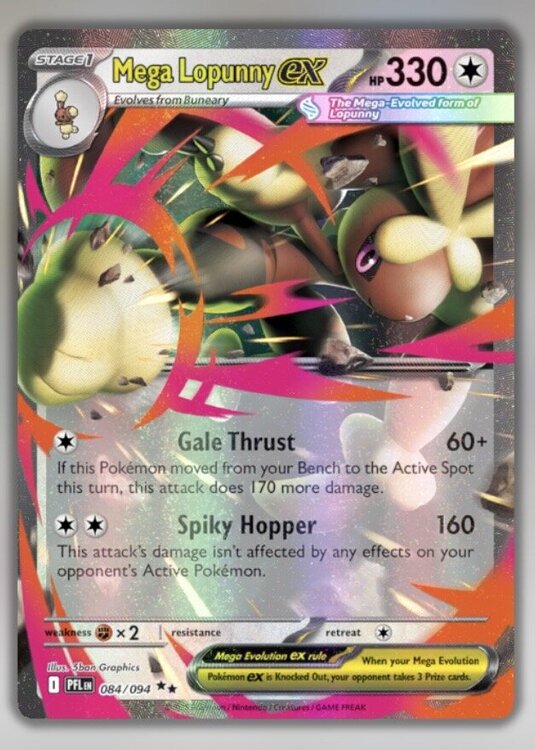
I’m hoping that I can have someone help with this. So I’ve been noticing whenever I’ve used Mega Lopunny ex on TCG Live, the Gale Thrust attack doesn’t seem to be working correctly. It clearly says that if you move from the bench to the active spot you’re supposed to do 170 more damage on top of the 60 damage you normally do. I haven’t had this attack do 230 damage yet. And I’ve also had other players use the attack against me and still the same result. The attack still always only ever does just 60 damage and never the 230. So I feel that this must be some sort of bug that needs to be fixed. I hope I’m not the only one who noticed this and hopefully someone can help. Thnx 🤙🏼
-
Sorry to bother y’all again but I was just about to try out the trainer trials for the 2nd time with a deck I had already created that was valid to use and now all of a sudden I have not one single legal card for the deck I made and all the decks I own are all invalid. What the world happened? Why am I no longer allowed to use any of my cards for trainer trials? And why was I able to before but not now? It’s not making any sense to me. I didn’t update anything for the app or anything. I don’t get it.
-
Ganjah12 changed their profile photo
-
Ganjah12 joined the community
-
I don’t really get why this is happening but every time I complete daily quests, I receive the trainer points but don’t receive the trade credits. It says that the player is supposed to receive an amount of both for each quest completed so I don’t get why that is happening but I’ve gotten screwed outta my trade credits for every quest that I’ve been completing. It’s such BS. Can this please be fixed? 😖